- Photo PrintsNew!
- Photo Magnets
- Photo Books
- Wall ArtNew!
- Photo Calendars
- Accessories
- Occasions
- Shared album
- Magazine
Crop your photo exactly to the format you print, without cutting off anything important.
A landscape photo becomes a square without white edges.
For shaped products, review the final trim in the product editor.
Export re-encodes the image and may change its metadata or colors.
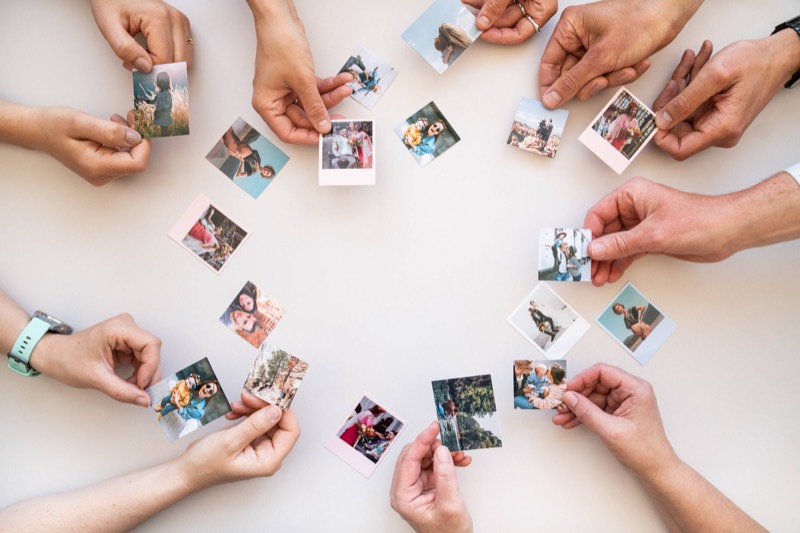
What your photo can become
For example 3 : 2 for a classic print, or the exact size of a canvas.
You see exactly what fits on the print and what gets cut off.
Save the crop, or open the product editor with it.
The tool finds the part of the photo with the most detail and colour and places the crop around it.
Each print has a fixed aspect ratio. A photo with a different ratio has to be cropped, otherwise it would leave white edges.
Yes. When you create a product, you can adjust the crop again in the editor.