


A wedding, a celebration or a trip together? Give everyone’s photos a shared home. Relive the moments and find your favourites together.
How it works
Create a project
Name your event and give everyone a shared place for their photos.
Invite everyone
Send the link or show the QR code. Anyone with the link can join after signing in.
Enjoy everyone’s photos
Add and browse photos together. Download your favourites or turn them into a photo product.
Participants sign in. The album stays until you delete it. Download your favourites or add them to a photo product at any time.
What a shared album is good for
- The wedding through guests’ eyes
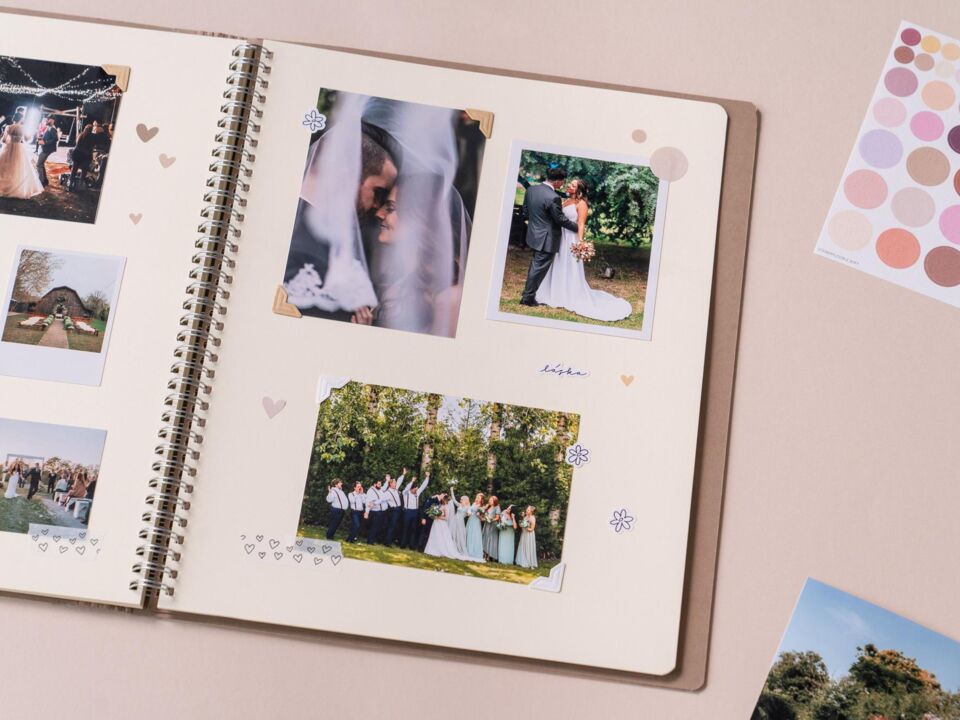
Guests upload photos via a QR code on the table. You get shots the photographer missed.
- A gift from the whole group
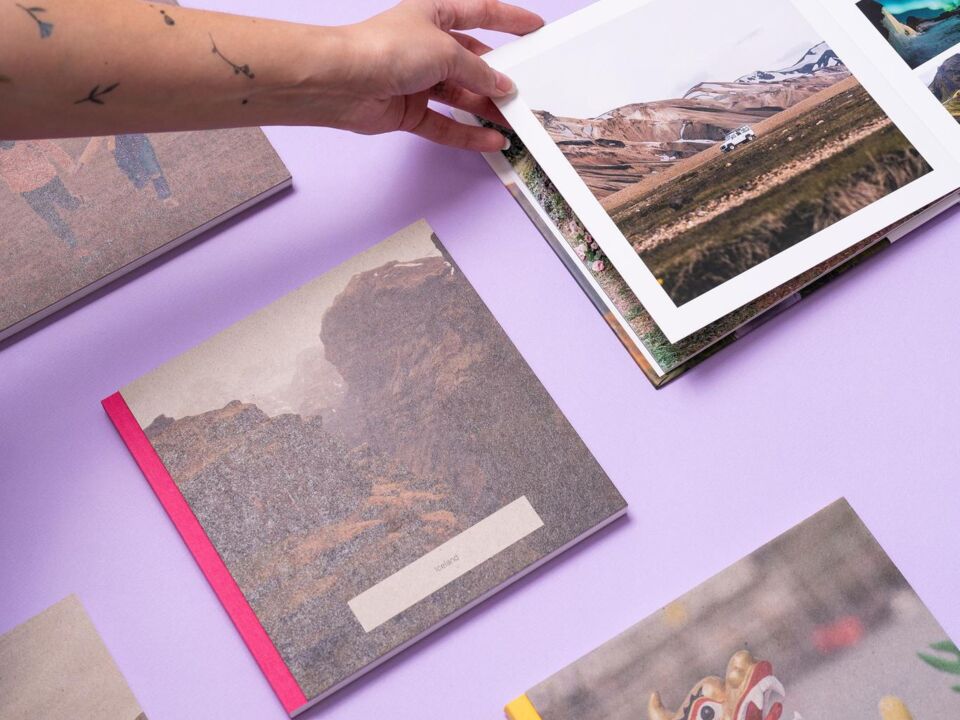
Friends secretly collect photos of the guest of honour and the best become a book.
- Grandma turns 80
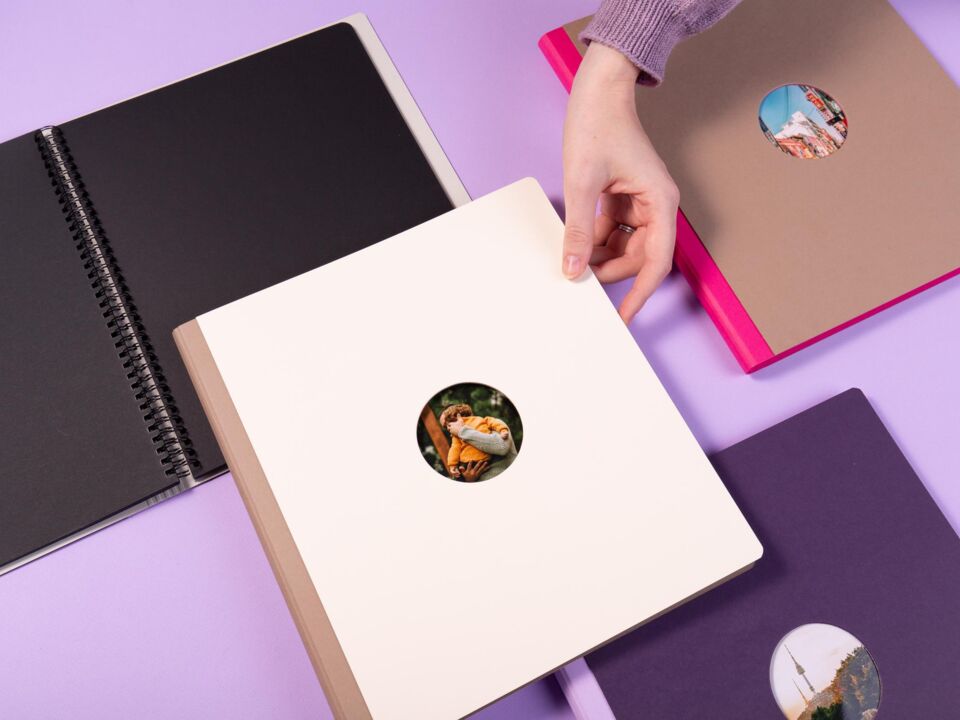
The family adds old and new photos. At the party you hand over the book of a lifetime.
- A year in one book
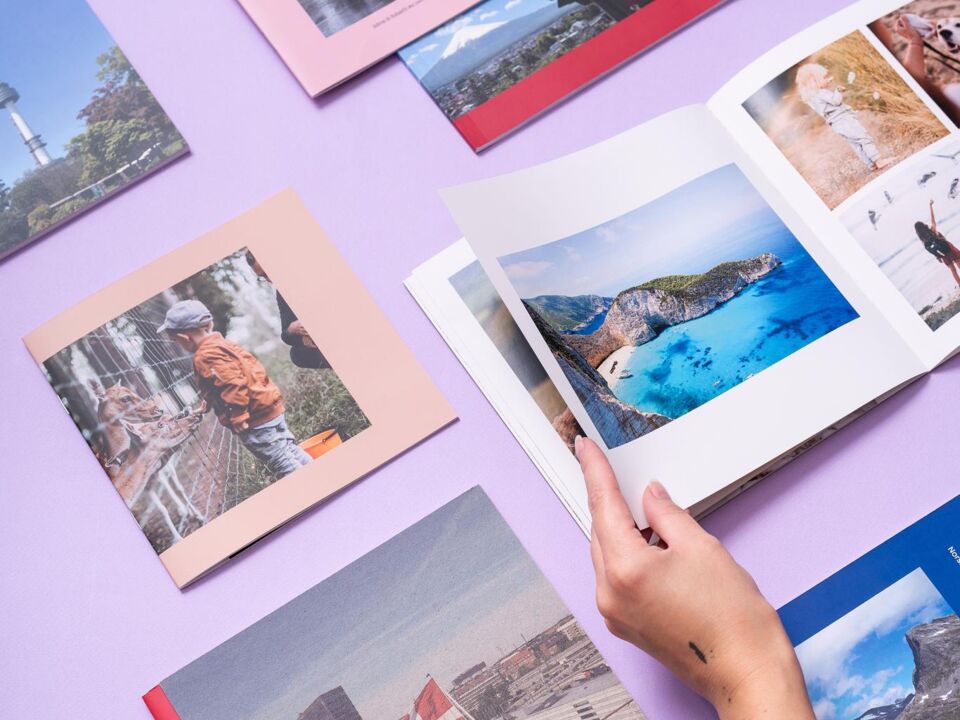
Add photos from your phones all year and turn them into a book in December.
- Family calendar
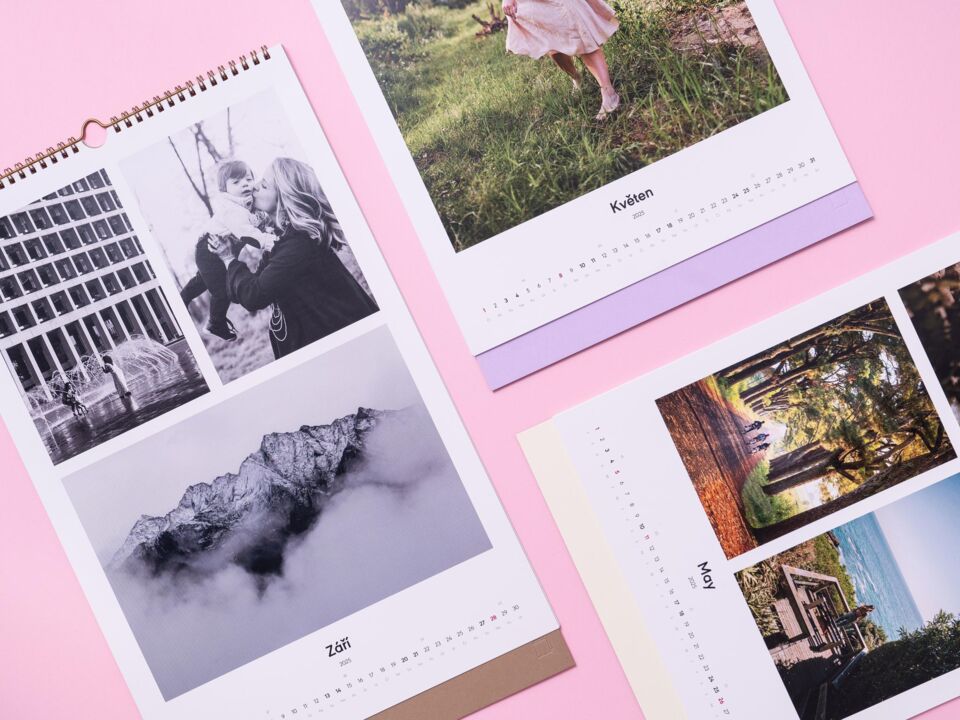
Everyone adds their best photos of the year and together you pick twelve.
- The race from every angle
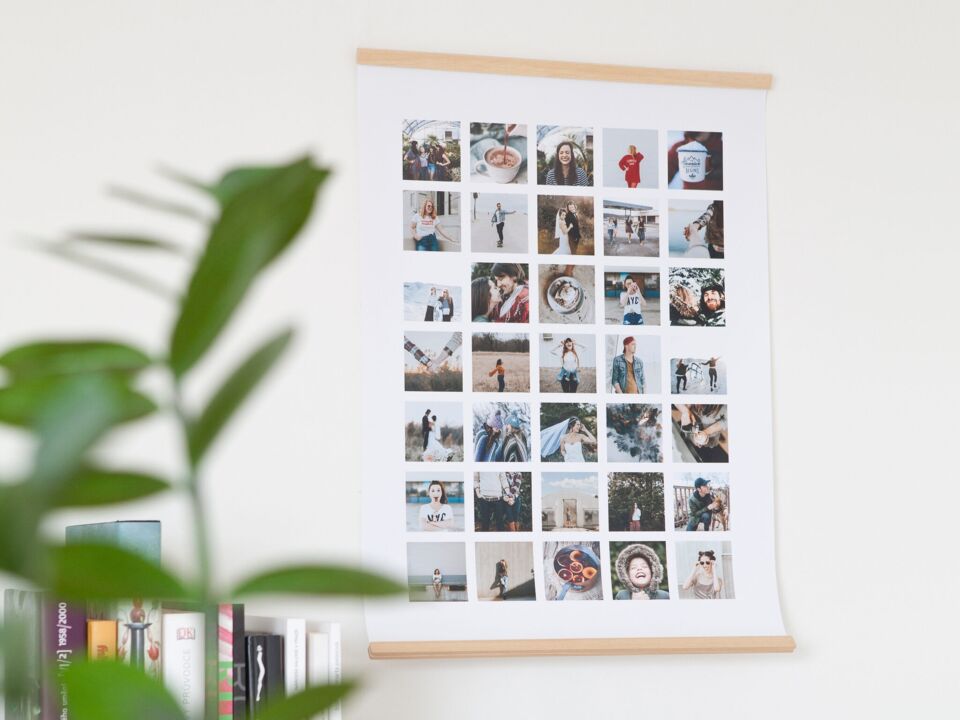
Runners, fans and organisers all shoot from different spots. The album puts the day together.
- Company events

Photos from the party or team-building in one place, not in five chats.
- Holiday with friends
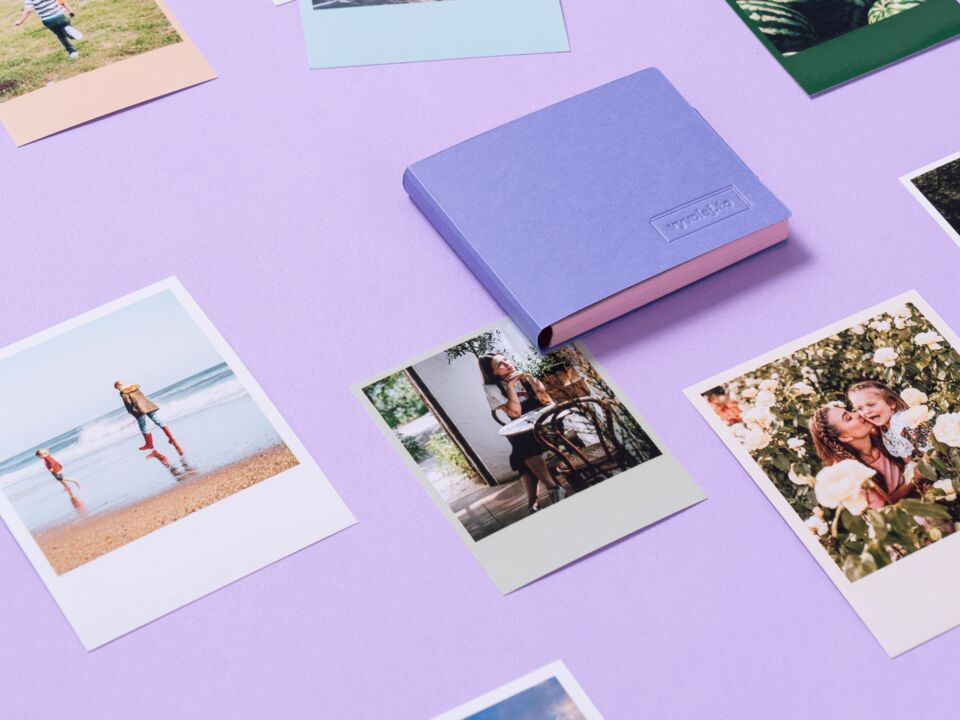
Everyone photographed something different. Back home you put the photos together.
Photos stop getting lost across phones

Everything in one place
No more sending photos over chats and email. Everyone uploads to one album.

Full quality
Photos keep their original resolution, not the compressed chat version. Good enough to print.

Invited guests only
Only people you send the link or show the QR code to, and who sign in, can see the album.

From album to photo book
Pick the best photos together and turn them into a photo book or a canvas print.
Frequently asked questions
How much does a shared album cost?
Nothing. Creating the album, uploading and downloading photos is free. You only pay for photo products you choose to order.
How long does the album last?
Albums currently have no time limit. The photos stay until you delete the project.
Do other people need an account?
Yes. Signing in stops anyone who gets hold of the link from viewing or adding photos. Signing up only takes a moment.
Who can see the album?
Only people who have the link or QR code and sign in. If the link reaches someone else, change it in the project settings and the old one stops working.
Are photos compressed when uploaded?
No. Photos are stored at their original resolution, so they are fine for printing. A single photo can be up to 50 MB.
What if someone uploads an inappropriate photo?
As the creator you can delete any post. Participants can report an inappropriate post.
Can the photos be shown at the event?
Yes. Turn on the live display and open its link on a TV or projector. New posts appear on their own.
Create the album before the party starts
Create a project